


Explore Storyteq Adaptation Studio, our Creative Automation solution for scaling on-brand campaign content across markets, channels and formats. See how teams turn master creative into dynamic templates, automate content adaptation and localization, bulk-create versions, and produce everything from digital and social assets to rich video and print.
What you’ll see in this demo video
00:19 — Turn master creative into dynamic templatesSee how Photoshop, Figma and After Effects files can become flexible templates that protect key brand elements while giving teams control over the content they need to adapt.01:16 — Adapt digital and social contentCreate different sizes, update copy, swap imagery and tailor campaign assets for different markets, channels and languages while keeping everything on brand.01:32 — Scale rich video contentTurn complex Adobe After Effects projects into editable templates and quickly adapt video across different sizes, durations, products and campaign variations.02:02 — Automate print adaptationAdapt production-ready print artwork, update text and imagery, adjust layouts, connect data from spreadsheets and export print-ready PDFs.02:25 — Bulk-create campaign variationsGenerate multiple content versions at once using forms or spreadsheets, with automated naming conventions and metadata to keep every adaptation organized.02:58 — Localize content with AITranslate content into 60 languages using AI-powered translation informed by your brand reference materials, and automatically extend or adjust imagery for different layouts.03:33 — Review and approve content in one placeCollect contextual feedback directly on assets, track version history and keep approvals structured without relying on email threads or manual file naming.04:42 — Render and publish approved contentExport assets in the formats you need, send them to Content Portal, or publish directly to media channels, ad libraries and cloud storage.
Want to learn more about Storyteq?
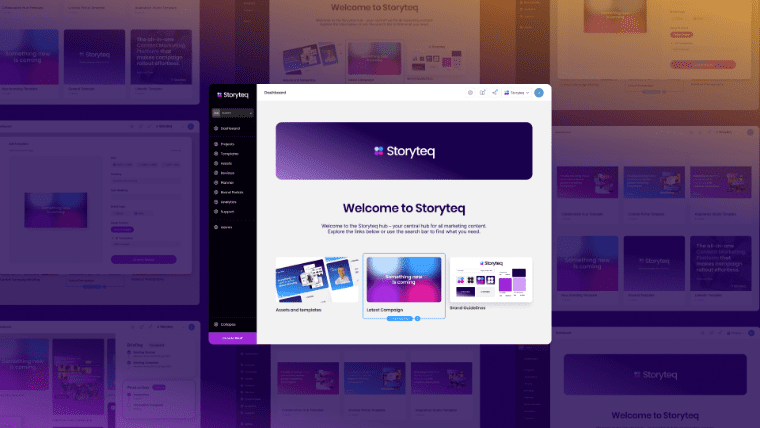
Everything you need to know about Storyteq
Discover Storyteq’s features, modules, and benefits, – and why it’s the go-to Content Marketing Platform for top brands.
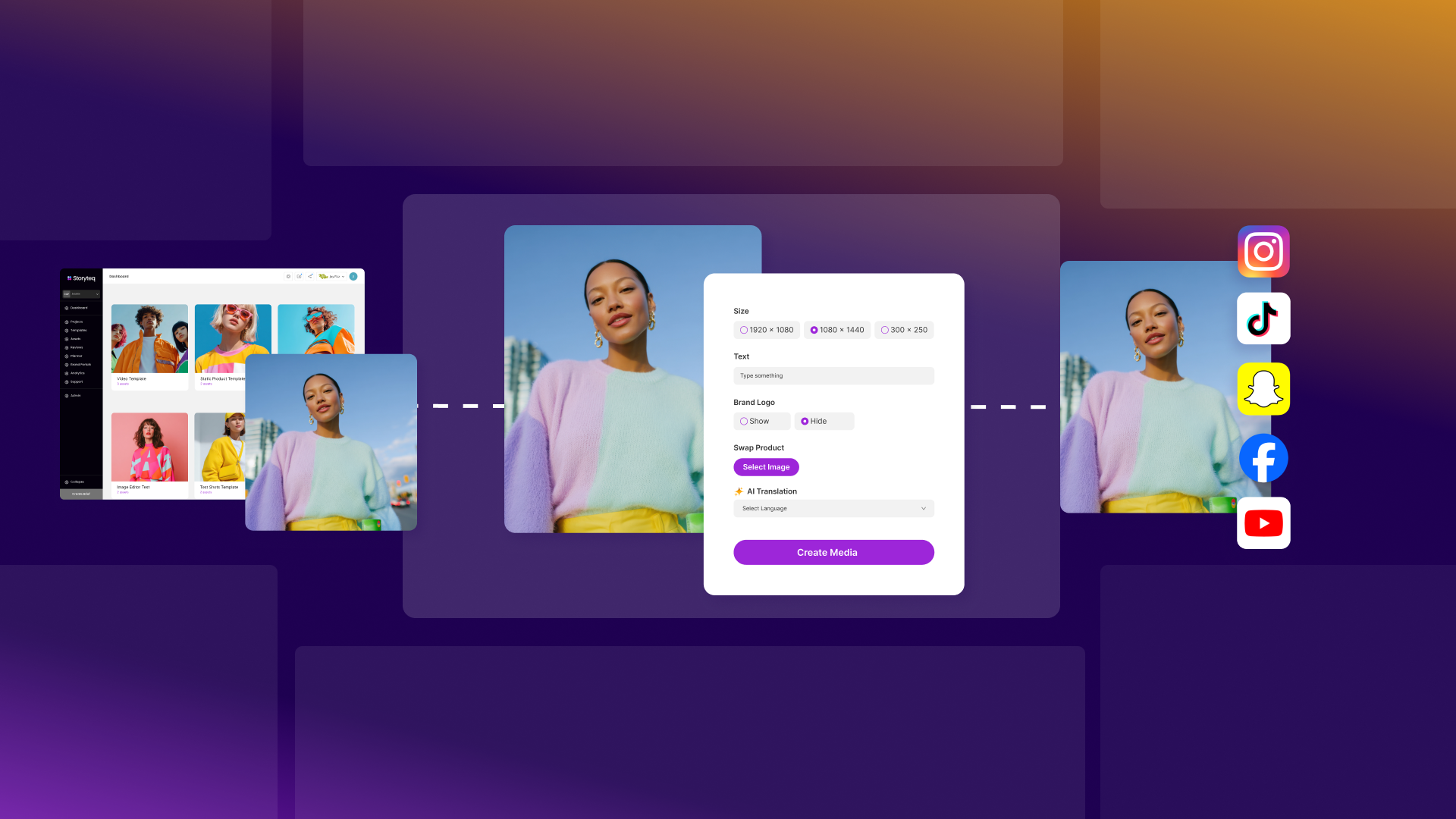
What is a Content Marketing Platform? (and why your creative workflow depends on it)
A Content Marketing Platform gives marketers a smarter way to meet skyrocketing content demands while protecting their teams and their brand.
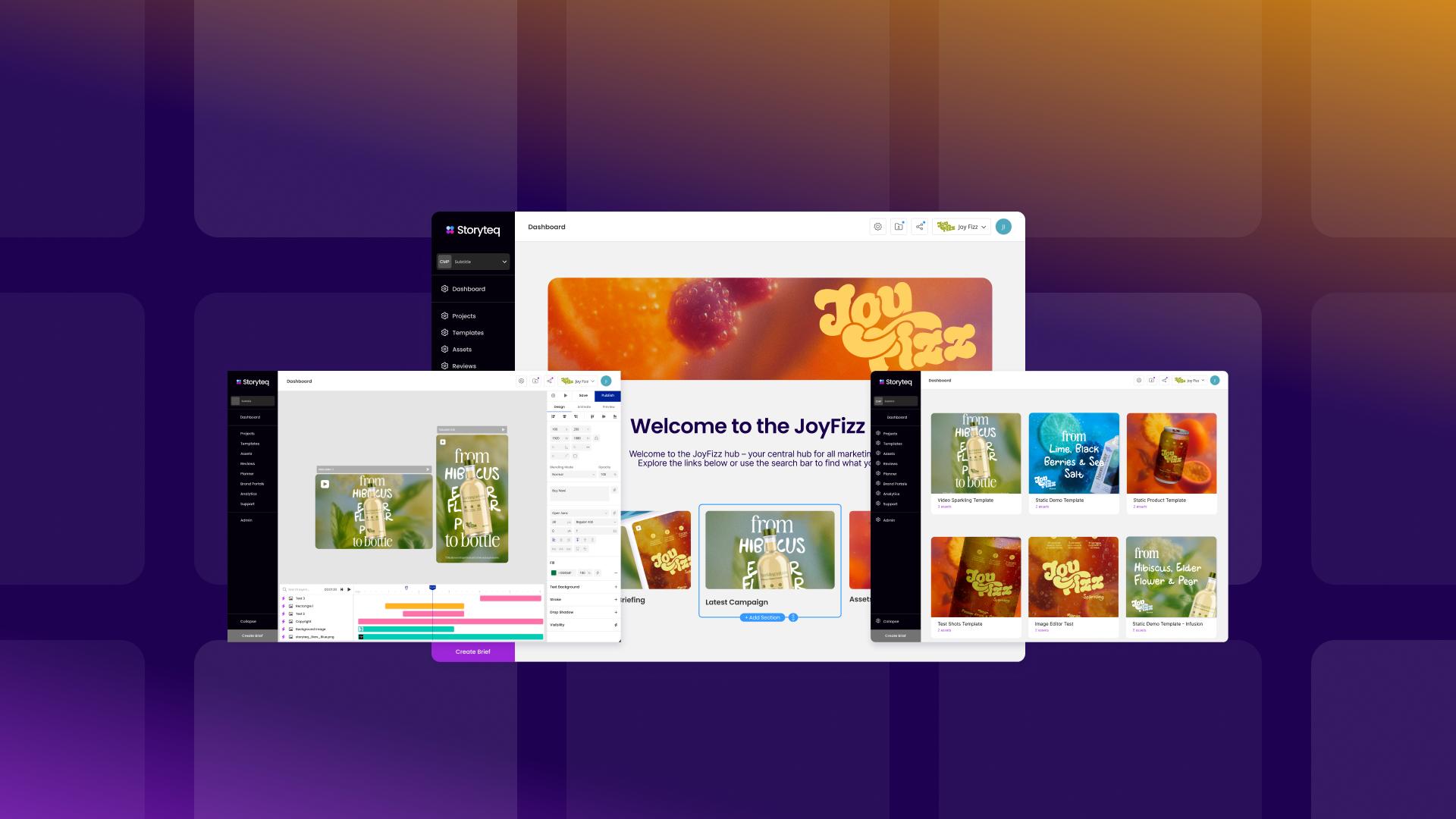
How Storyteq transforms content creation for Marketing teams: A step-by-step guide
Storyteq transforms how marketing teams create content by streamlining production, improving consistency, and eliminating the bottlenecks that slow campaigns down.